Multi-Tenancy Overview
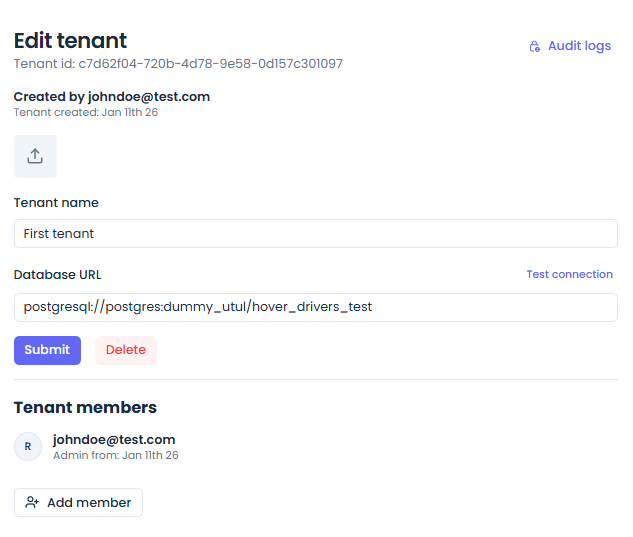
Jet Admin is built from the ground up as a multi-tenant platform. This means that a single installation of Jet Admin can serve multiple organizations, teams, or clients (referred to as "Tenants") while keeping their data, connections, and configurations strictly isolated.
Core Concepts
- Tenant Isolation: Each tenant has its own isolated sandbox. Users in Tenant A cannot see the datasources, queries, workflows, or dashboards belonging to Tenant B.
- Tenant Context: Every API request and socket connection is scoped to a specific Tenant ID.
- Custom Database URLs: Each tenant can optionally configure a separate database connection for executing queries, providing physical data isolation on top of logical isolation.
Managing Tenants
As a platform administrator, you can:
- Create new tenants.
- Invite users to a specific tenant.
- Assign roles and permissions to users within the context of a tenant.
Developer Note
When developing custom widgets or backend components, always ensure that the tenantID is respected in database queries to prevent data leaks.
API Reference Stub
GET /api/v1/tenants- List all tenantsPOST /api/v1/tenants- Create a new tenant