Audit Logs
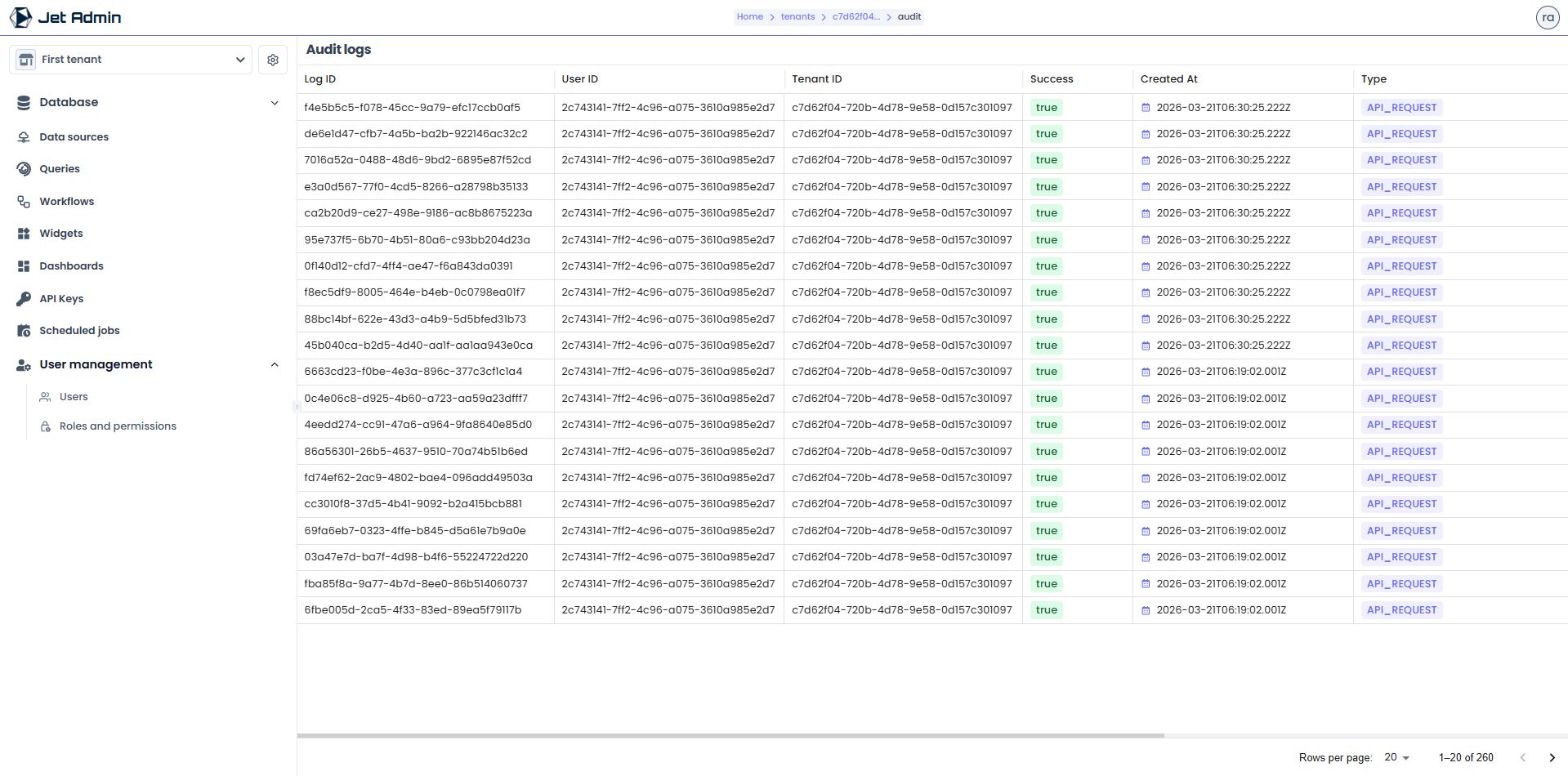
For compliance and security, Jet Admin maintains a comprehensive audit trail of all significant actions performed by users and API keys.
Viewing Logs
Administrators can navigate to Settings > Audit Logs to view the timeline of events.
The audit log captures:
- Actor: The user or API Key that performed the action.
- Action: What was done (e.g.,
WORKFLOW_UPDATED,QUERY_EXECUTED,USER_INVITED). - Resource: The ID and name of the modified resource.
- Timestamp: Exact timing of the event.
- IP Address: Origin of the request.
Logs are immutable and cannot be deleted by tenant administrators.
API Reference Stub
GET /api/v1/tenants/:tenantID/audit- List audit logs