Database Tables & Schemas
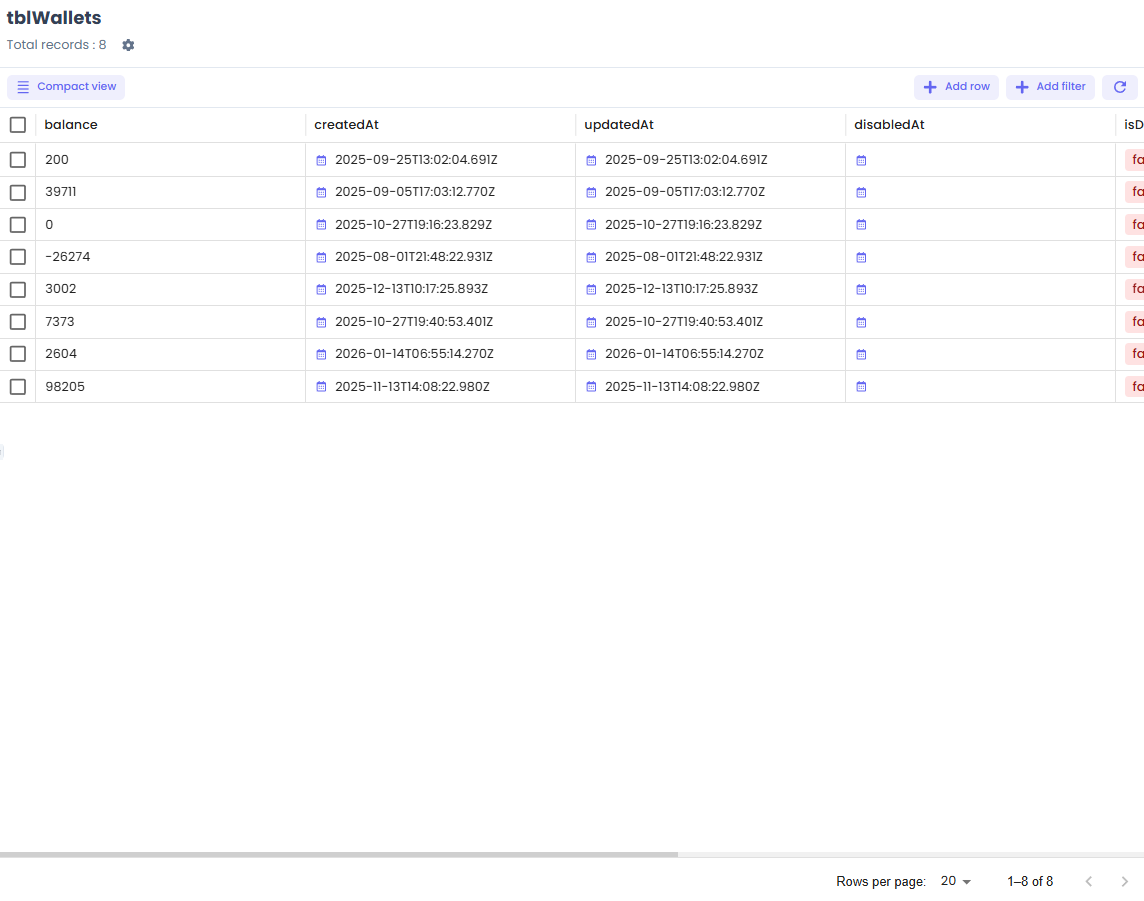
Jet Admin provides a built-in schema manager that allows you to inspect, modify, and manage your connected PostgreSQL databases directly from the interface.
Table Management
From the Database > Tables view, you can:
- Inspect: View table columns, data types, and constraints.
- Modify: Add new columns, change data types, or drop columns without writing
ALTER TABLEstatements manually. - Preview Data: Quickly query the first 100 rows of any table to understand its structure.
Schema Operations
For advanced users, Jet Admin allows executing raw DLL (Data Definition Language) queries to manage schemas, views, and indexes.
Warning: Schema modifications apply directly to the connected database. Ensure you test changes in a staging environment first.
API Reference Stub
GET /api/v1/tenants/:tenantID/databases/:dbID/tables- List tablesPOST /api/v1/tenants/:tenantID/databases/:dbID/tables- Create a table