API Keys Management
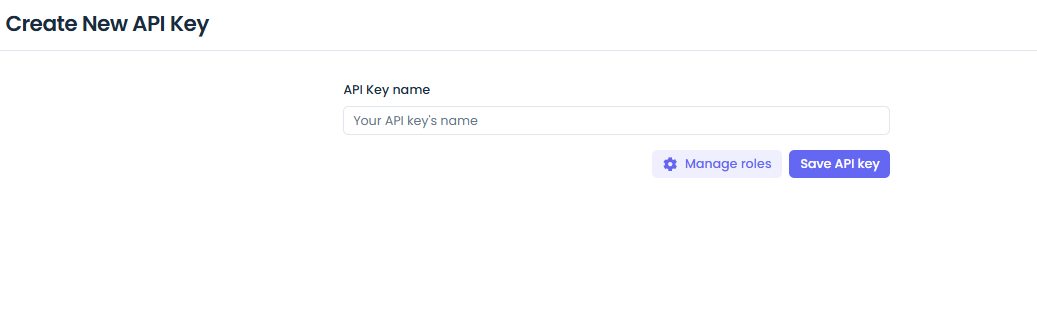
API Keys allow external systems and scripts to programmatically interact with your Jet Admin tenant without requiring an interactive user login.
Creating an API Key
- Navigate to Settings > API Keys.
- Click Generate New Key.
- Provide a descriptive name for the key.
- Specify the expiration date and required permissions.
- Copy the generated key. Note: This is the only time the full key will be displayed.
Using API Keys
Pass the API Key in the Authorization header of your HTTP requests:
curl -X GET "https://your-jet-admin-instance/api/v1/some-endpoint" \
  -H "Authorization: Bearer YOUR_API_KEY" \
  -H "x-tenant-id: YOUR_TENANT_ID"
Security Best Practices
- Least Privilege: Only grant the permissions absolutely necessary for the key's intended use case.
- Expiration: Set an expiration date for all keys.
- Rotation: Rotate production API keys periodically.
API Reference Stub
GET /api/v1/tenants/:tenantID/api-keys- List API keysPOST /api/v1/tenants/:tenantID/api-keys- Generate a new key